tools
Mesh occlusion tool
BP_Barbiehouse
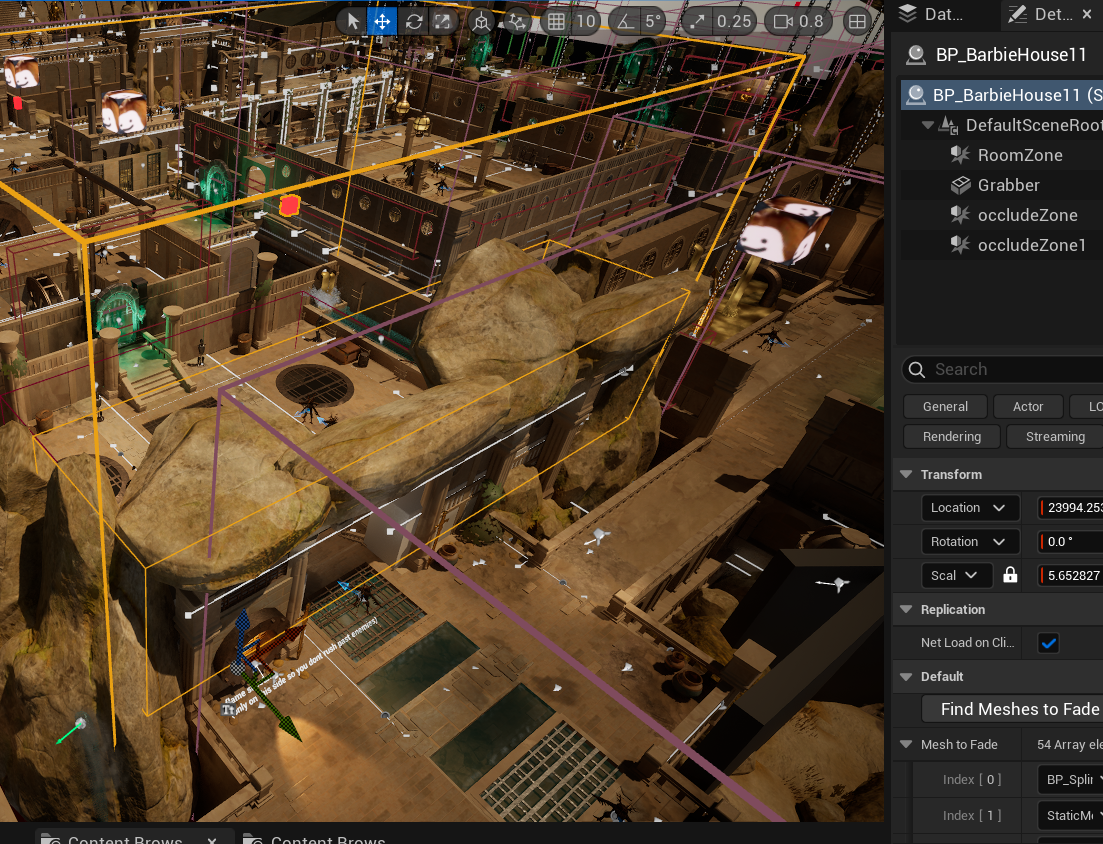
This tool was made by both me and the Tech Lead to occlude meshes that would be in the way once a zone is entered.
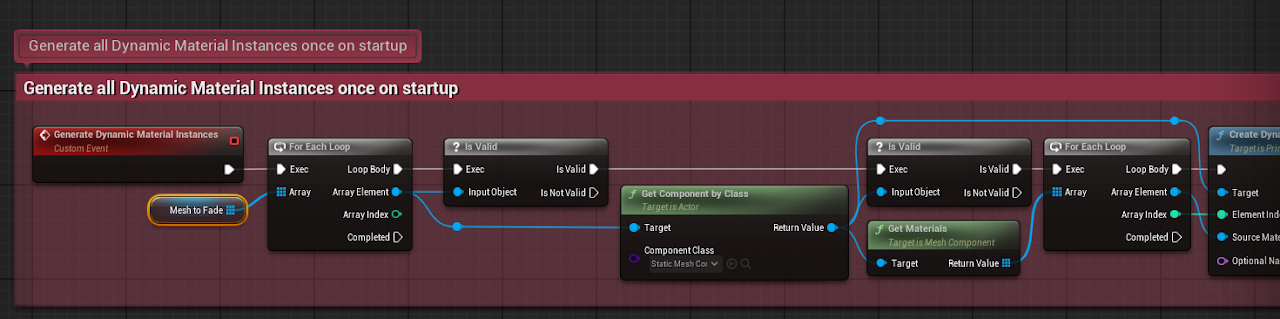
We started out with just an array that I would manually add mesh to, but every time the worlds were duplicated the mesh would be wiped from the array
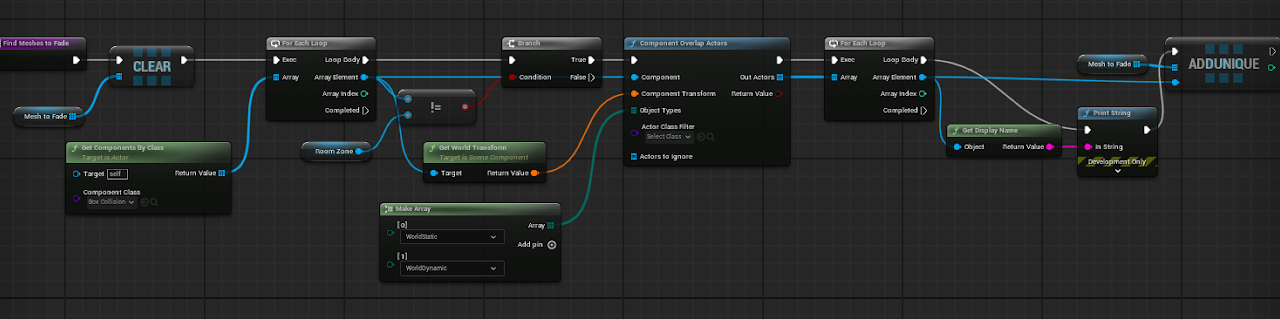
I added a volume that detects all valid static mesh inside it and adds it to the array with one button click. This made a sometimes hour long task of re-populating all the BarbieHouses take just about a minute.
Mesh spline tools
Spline functionality
The first spline tool populates mesh along a spline, automatically snapping mesh together and deforming vertices along the rotation of the spline.
The second tool is a simpler tool for quickly laying out straight lines of mesh with optional offsets and rotations.
This scene was made as a tool demo explaining how to use the tool and its best uses for when I sent the project to teammates or friends.
Spline use examples
This scene heavily features the use of both of these splines.
The Mesh Deformation tool was used to create things like curved bridges and railings.
The Mesh Layout tool was mostly used to create straight walls, stairs, and railings, as well as evenly spaced out columns. This spline was also used vertically with random rotation to create natural variations of ivy vines.

tool blueprints
I started these blueprints off following some documentation from Unreal Engine, then added a bunch of extra functionality as new use cases were needed throughout working on the above project.
procedural car generator
initial car mesh
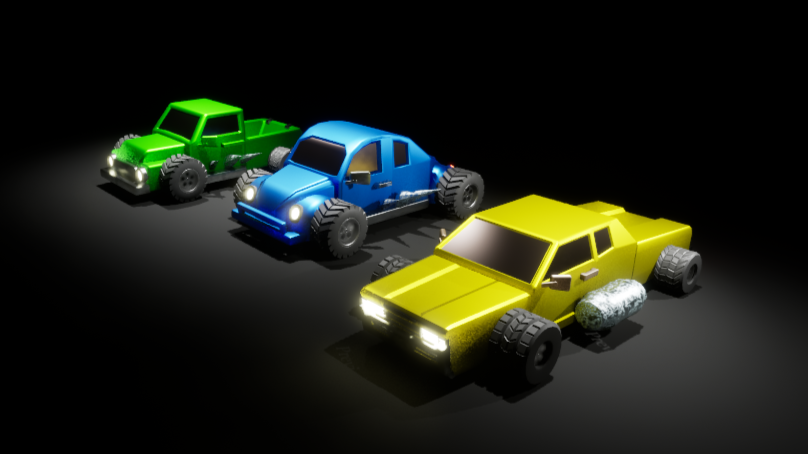
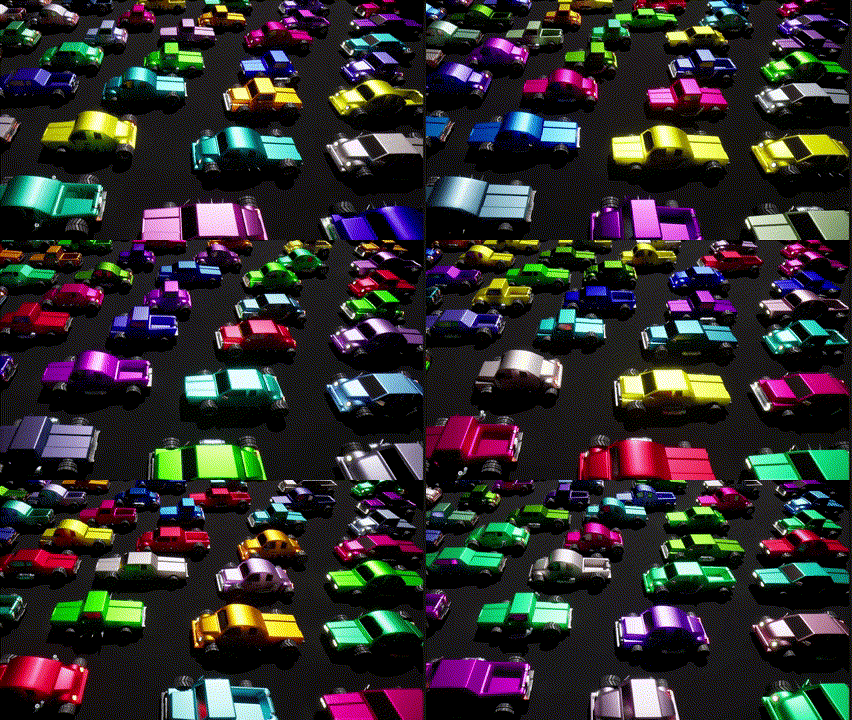
These are the initial versions of the silly lowpoly cars made for an overcooked x madmax style game.
With just 3 unique wheels, 3 unique side add-ons, and 3 distinctive car models each made of a hood, body, and trunk mesh, we had the possibility for more than 162 different combinations.
ease of use
The generator automatically randomizes from the provided array of mesh, and snaps them all into the correct position. All the artists have to do is to select the mesh they want the generator to choose from. It takes into account differences in height and width to place the side decals and tires so each car component doesn't need to be perfectly the same size.
coded material parameters and ui
wood Parameters
This is a material made completely from Houdini's VEX code. I spent some extra time coding in clean UI, creating intuitive variable names, and organizing parameters into tab groups for easy adjustments.
custom rig settings
Rig driven motion
The most prominent feature of this rig is its fluid rig driven motion. Most bones have damped track controls that follow the bone in front of them.
I added in some custom parameters to each set of bones, allowing controls to affect the influence of automatic motion. The dynamic motion can be keyframed on or off or lessened for specific areas of the rig.